

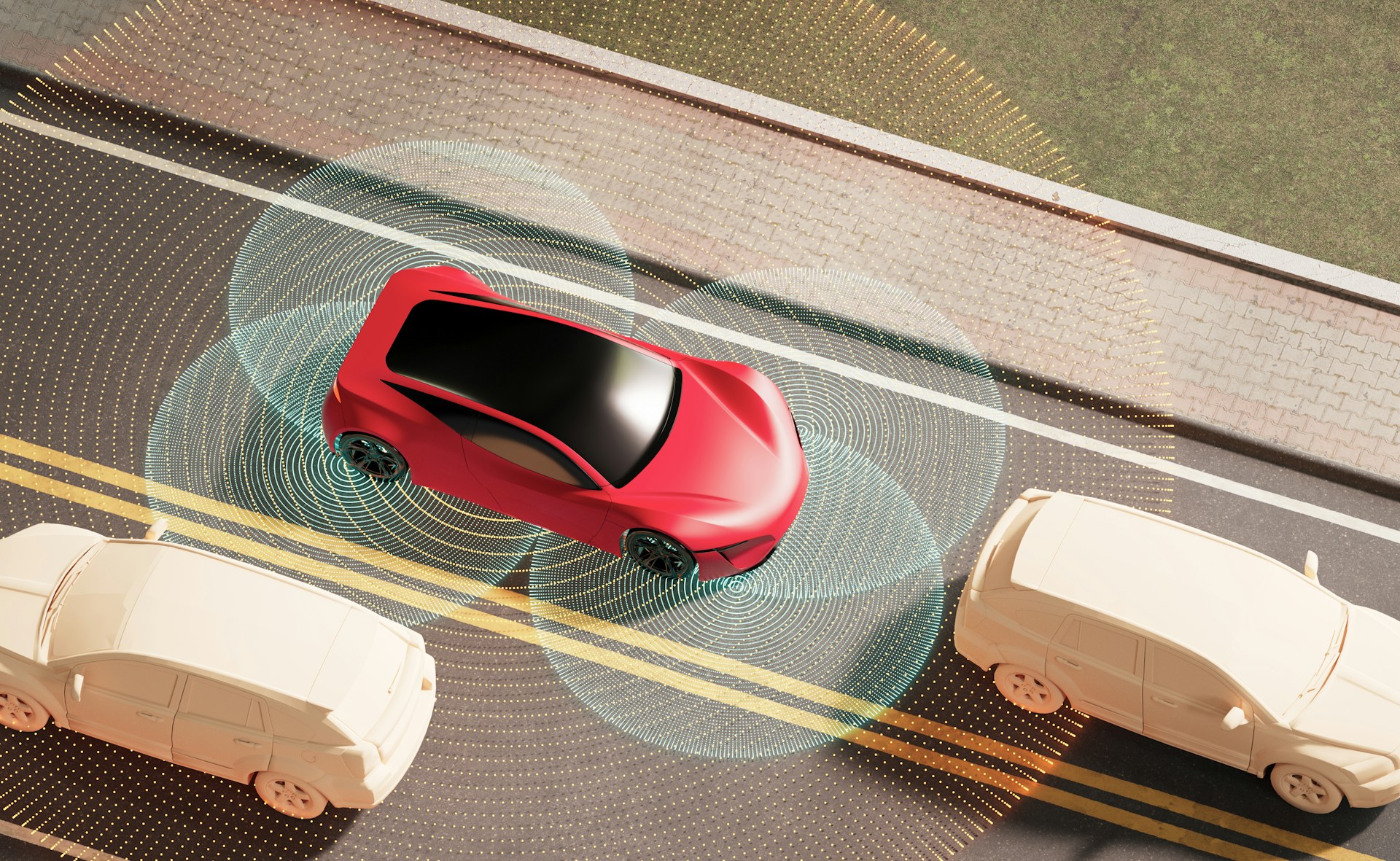
New vehicles are smarter than ever, built with features that help you drive safer, stay connected, and enjoy your time behind the wheel. From touchscreen controls to driver-assist options that watch out for blind spots, there’s a learning curve when getting comfortable with all the bells and whistles. Whether you're switching over from an older car or moving up to a higher trim level, it helps to know what your new ride can do right from the start.
Taking the time to learn your car’s tech isn’t just about convenience. It makes for a smoother, easier ride. You’ll tap into everything your car offers, avoid distractions, and feel more in control. For anyone exploring new cars in Galveston, knowing what features come with today’s models can help you feel more informed before you even step foot in the driver’s seat.
Infotainment Systems
Modern infotainment systems are the nerve center of today’s vehicles. These systems offer a lot more than just radio and climate control. Most now feature touchscreen displays with crisp graphics, voice-activated functions, and the ability to connect with your smartphone through Apple CarPlay or Android Auto. That means your maps, music, and texts can all show up directly on your car’s screen, helping you drive with less distraction.
Here are a few common features found in many infotainment systems:
- Integrated navigation with turn-by-turn directions
- Bluetooth phone pairing for calls and media
- Voice commands for hands-free control
- Steering wheel controls to adjust settings easily
- Mobile apps that adjust settings remotely
One thing many drivers don’t realize is how customizable these systems can be. You can rearrange app icons, set favorite radio stations, adjust screen brightness, and connect multiple phones. If your car has a learning function, it may even get familiar with your habits over time. The key is to spend time getting comfortable with the home screen layout and explore settings before hitting the road.
If you’re new to voice commands, they might feel awkward at first. Try using them in your driveway or when parked. Saying “play rock music” or “call Sarah” saves time and can help you stay focused while driving.
Whether you're commuting across town or heading out for a weekend trip, a well-set infotainment system can make a long drive feel simple and enjoyable.
Safety Features
Car safety has come a long way from just seat belts and airbags. Many current models come packed with advanced features that act like an extra set of eyes on the road. These tools don’t take over the driving for you, but they do help you stay ahead of danger.
Here are some safety features you might find in a new vehicle:
- Adaptive cruise control: Keeps a steady speed and distance between you and the car ahead
- Automatic emergency braking: Helps stop the car if a crash seems likely
- Lane-keeping assist: Nudges you back if you drift out of your lane without signaling
- Forward collision alert: Warns you if a crash risk is detected up front
Once you’re aware of what these systems monitor, they can help you drive more confidently, especially in traffic or low-visibility settings. Some may beep, vibrate the steering wheel, or give a visual cue on the dashboard when they detect a problem. Understanding what these alerts mean can prevent confusion during important driving moments.
It’s a good idea to review your owner’s manual or schedule a walk-through with a technician to be sure your settings match your driving habits. Some systems can be customized for more or less sensitivity, so they support your comfort level.
Having this knowledge gives you clarity on how your vehicle is working to help keep you safe. When you know what to expect, it’s easier to trust and react calmly.
Driver Assistance Features That Ease Everyday Driving
Driver assistance systems are designed to reduce stress and alert you to things that aren’t always easy to spot. These features work behind the scenes to support your focus and help with close situations that come up during daily drives. If traffic, parking, or tight roadways make you tense, these tools can be real helpers.
Common driver assistance features include:
- Blind-spot monitoring: Shows a warning if another vehicle is in the next lane
- Parking assist: Guides you into crowded or narrow parking spots
- Rear cross-traffic alert: Watches for oncoming traffic when backing out
- Traffic sign recognition: Reads posted speed limits and displays them on your dash
Imagine pulling out of a grocery store parking lot and not seeing a car coming from the left. Rear cross-traffic alert will sound a warning before your car even shifts out of reverse. That small heads-up can prevent a close call. These systems don’t just help when things go wrong. They actively support better driving decisions by giving you a clearer view of what’s happening around you.
While it might be tempting to rely on these features like autopilot, they’re meant to assist, not replace your own awareness. Spend time learning how they respond in different situations. Knowing what each beep or light means will help build your confidence and avoid panic reactions out on the road. Driver assistance is meant to take some of the pressure off, not make decisions for you.
Stay Connected With Smart Features
Connectivity plays a big role in getting more out of your new car. Whether you’re juggling a busy work schedule or need to simplify your morning routine, connected features make everyday life smoother. You’ll find features like Bluetooth connections, Wi-Fi access, and app syncing that let you stay in touch while keeping your hands on the wheel.
Some popular smart options include:
- Remote start using your phone
- Smart keyless entry and push-button start
- Real-time updates through mobile apps
- In-car Wi-Fi for streaming or business travel
- Streaming platforms built into the dashboard display
Pairing your phone is usually the first step. Once that’s done, you can use the manufacturer’s app to lock and unlock your car, adjust the climate control, or even locate your vehicle in a packed lot. Others go a step further, letting you pre-warm the cabin on cold mornings in Galveston or review vehicle diagnostics remotely.
If you're someone who likes things organized, explore how your car’s companion app can help. You may be able to track maintenance schedules, set driving alerts, and get reminders for service visits. And with updates pushed through apps or your car's own system, your vehicle can stay current without a lot of manual effort.
Simple Ways To Personalize Your Tech Features
Getting comfortable with your new car’s tech might take a little time, but personalizing a few key settings can make a big difference. Most vehicles come loaded with options that let you adjust how systems work. You don’t have to be a tech wizard to dial things in just the way you want them.
Here’s how to get started:
1. Familiarize yourself with the settings menu, especially under vehicle or driver preferences
2. Adjust the screen brightness and language to fit your comfort
3. Set up profiles if more than one person drives the car
4. Choose which alerts to turn on or off, like audio beeps for seat belts or lane shifts
5. Explore the sound settings to get your audio more balanced
One helpful trick: keep a short list of your favorite features and revisit them after a week. You may discover things you want to tweak after you've had some time behind the wheel. Over time, these features will begin to feel second nature, and you’ll trust what your car is doing with less effort or second-guessing.
Software updates matter too. Manufacturers roll out fixes or new functions just like phones do. These updates may happen automatically or require you to connect your car to Wi-Fi. It’s a good habit to check for updates regularly or ask about them during your routine service visits.
Learning the Tech Means Driving With Confidence
New cars offer a whole lot more than just a smooth ride. They’re your copilots, your assistants, and your go-to entertainment system all in one. Whether it’s connecting your phone with one press or easing into a parallel parking space thanks to helpful sensors, knowing how your tech works changes the way you drive.
You don’t need to master every feature on day one. Get to know them at your own pace. Once you've explored the tools available to you, you'll notice how daily driving can feel less rushed, more comfortable, and even kind of fun. And if you're looking into new cars in Galveston, it's helpful to know what's waiting for you when you take the wheel.
For anyone eager to experience the exciting features available in modern vehicles, you won't have to look far. Explore the wide selection of new cars in Galveston at Classic Auto Group Galveston, where the latest models come equipped with advanced technology designed to make your time on the road more enjoyable and stress-free.